Freelancers with a solid portfolio land clients up to nine times more often than those without one. That’s a huge edge in a market where 82% of skilled independents already see more work opportunities this year. Your portfolio acts as your silent salesperson; it displays skills, earns trust, and seals deals before you say a word.
Clients spend seconds deciding if you’re worth their time. A weak setup loses them fast. This guide covers freelance portfolio essentials like a standout hero, key projects, testimonials, contact tweaks, and trends. Plus, it flags mistakes to dodge. Follow these steps, and you’ll stand out from the crowd.
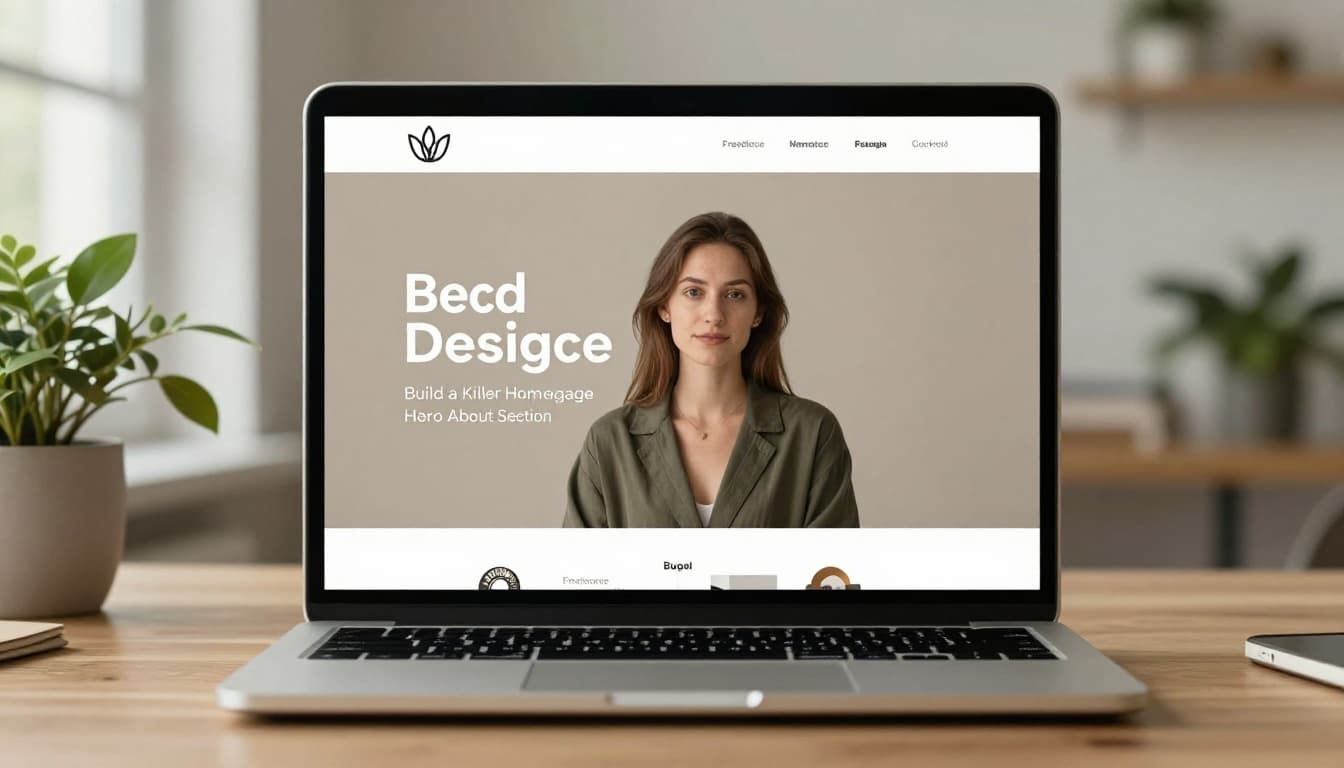
Build a Killer Homepage Hero and About Section
Visitors hit your homepage first. They judge you in under 10 seconds. Make that space count with a clear niche and personality. Pick something specific, like “logo designer for tech startups,” not just “graphic designer.” Broad claims bore people.
Focus on mobile-first design because most checks happen on phones. Aim for load times under two seconds. Tools like Google PageSpeed help test this. Add minimalism; strip away extras. Consider dark mode toggles since users expect them now.
Your hero needs one punchy line. Tell what you do, who you serve, and the result. For example: “I create logos for tech startups that lift brand recall by 40%.” Numbers grab eyes.
Write a Hero Statement Clients Can’t Ignore
Craft one or two sentences max. State your niche first. Name the target client next. End with a key result and metric. “I build e-commerce sites for fashion brands that increase conversions by 35%.” See how that sticks?
Vague intros like “Creative designer ready for projects” flop. Clients want proof you’ll solve their pain. Check portfolio examples from Lovable for real wins. They lead with strong work.
Weave in SEO keywords naturally, like “freelance web developer for SaaS.” This helps search rankings without stuffing.
Infuse Your About Page with Real Personality
Keep your bio at 200-300 words. Add a friendly photo; smile but look pro. Share fun facts tied to work. “I once redesigned a coffee shop logo during a road trip; it doubled their foot traffic.” Quirks build connections.
Explain why clients choose you. “Brands hire me because I turn complex ideas into simple visuals that sell.” Include a short skills list or CV highlights for scans. Tie everything to benefits.
Showcase Projects That Prove Your Value
Pick quality over quantity. Feature 3-5 top projects only. Each one must scream value. Clients care about results, not just pretty pictures.
For every case, cover client background, their problem, your fix, tools used, and outcomes. Use metrics like “sales rose 27%.” Add before-and-after images. Keep each study under 800 words with bold headings for skims.
Multimedia boosts engagement. Embed short videos of your process or interactive demos. This sets you apart.
Choose and Limit Your Featured Work
Select recent pieces first. Aim for variety in types but same niche. High-impact wins shine; ditch weak ones. Update every three months to stay fresh.
Outdated work kills credibility. For inspiration, browse Squarespace portfolio website examples. They mix strong visuals with clear stories.
Structure Case Studies for Maximum Impact
Start with the problem. “This startup struggled with low user sign-ups.” Then, your actions: “I redesigned the flow using Figma and A/B tests.” List tools. Hit results upfront: “Sign-ups jumped 45%.”
Add a client quote if it fits. Use mobile galleries with swipe options. Lessons learned close it strong.
Stack the Deck with Testimonials and Proof
Testimonials build trust fast. Place 4-6 near projects or in the footer. Pair quotes with metrics. “Your redesign boosted our sales by 27% – Sarah, CEO.”
Real names and photos add weight. Skip fakes; they backfire. Focus on business wins over nice words.
Collect and Display Client Testimonials Right
Ask specific questions post-project: “What result stood out?” Get permission first. Format quotes short and punchy, like “Doubled traffic in weeks.”
Display in sliders or grids for easy reads. Position them after related projects.
Make Contact Frictionless and Trend-Forward
Keep contact simple. Add a form, your email, and Calendly links. Navigation stays clean: Home, Work, About, Contact.
For 2026, add AI chat for quick queries or data viz stories. Text-heavy bios help ATS scans. Use headings, alt text on images, and niche keywords for SEO.
Follow 2026 Design Trends to Stand Out
Go mobile-first always. Ensure fast loads with optimized images. Minimalism rules; white space breathes.
Dark modes and subtle animations engage without distracting. Voice UI suits niches like writers. Free tools like Canva or Figma speed builds. See portfolio design trends from Colorlib for ideas.
Boost Visibility with Smart SEO Practices
Label pages clearly, like “Freelance UX Designer Portfolio.” Sprinkle keywords in hero and bio. Build a fast, mobile site.
Headings structure content. Alt text describes images: “Logo redesign before and after.”
Steer Clear of These Portfolio Killers
Mistakes sink even great work. First, vague specialties confuse clients. Fix it: niche down tight.
No results or context leaves questions. Always add metrics and stories. Cluttered, outdated designs turn off pros. Refresh layouts yearly.
Lack of personality feels robotic. Share your voice. Ignore client needs, and they bounce. Tailor everything to them. Slow sites kill conversions; optimize now.
For more pitfalls, read portfolio mistakes freelancers must avoid. Quick fixes save gigs.
Your portfolio needs a strong hero and about page, proven projects, testimonials, easy contact, and fresh trends. Skip the killers.
Update yours today. Which section will you tweak first? Share below. Keep testing for SEO wins; clients wait.